OutSystems ships a multilingual feature, but it bakes every translation into the module at publish time — add a language or fix a typo and you redeploy. I wanted translations that live in JSON files and load at runtime, so anyone can drop in fr-FR.json and the app picks it up without a rebuild. That's what the I18n component on the Forge does.
It's about 1.7 KB of core JavaScript. Translation JSON loads lazily, per screen. Missing keys walk a fallback chain (ar-SA → ar → en-US) so the UI never renders blank. RTL flips automatically — including for ur-PK, he-IL, and fa-IR, which OutSystems does not treat as right-to-left on its own. And it re-renders your expressions on locale change without you wiring up a client variable. Here's the whole path from Forge to a working multilingual screen.
1. Find it on the Forge
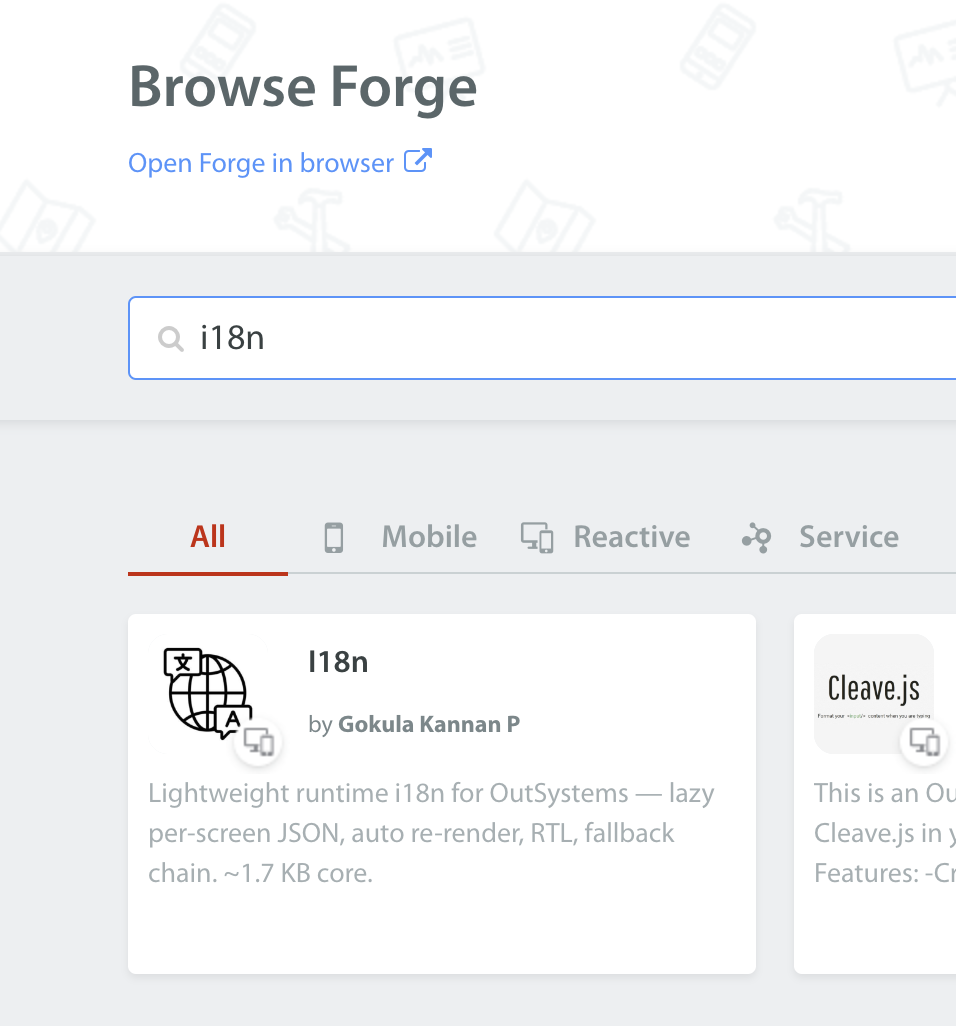
Search the Forge for i18n. It's the component by Gokula Kannan P — the one described as lightweight runtime i18n with lazy per-screen JSON.
2. Download and install in Service Studio
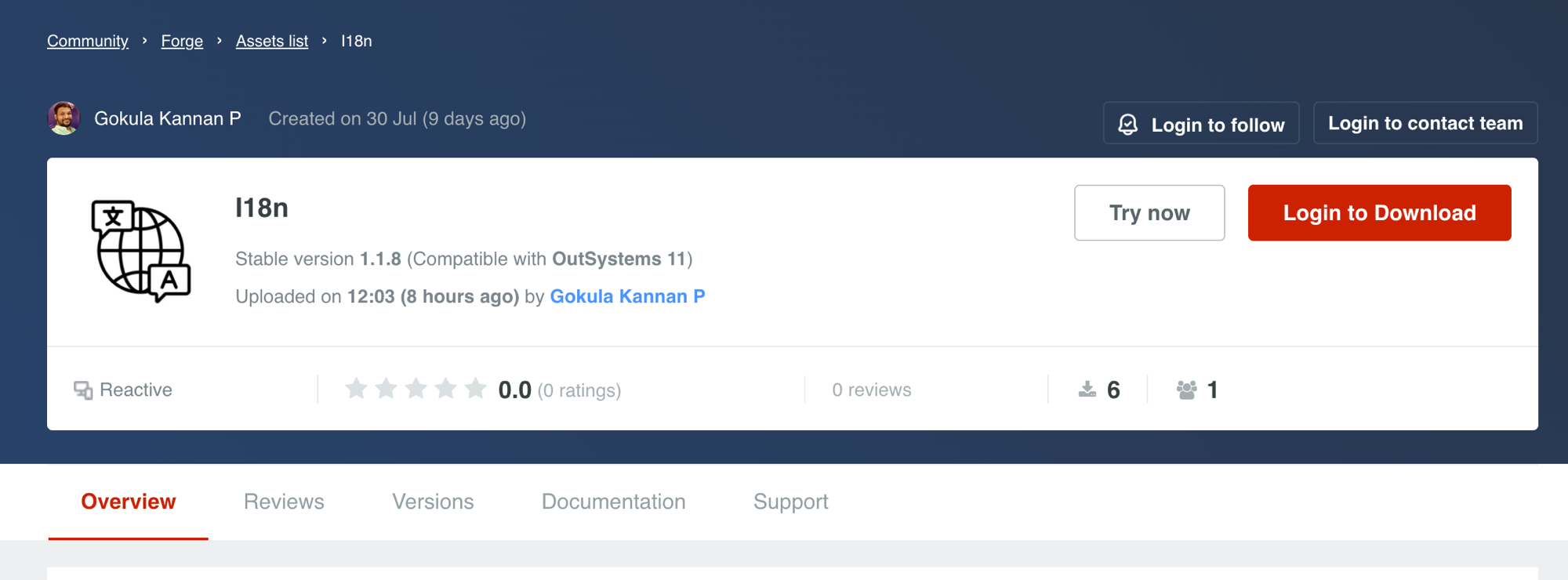
Open the listing and hit Try now, or Download to install it into your environment. The current stable version is 1.1.8, compatible with OutSystems 11 Reactive.
3. Reference the actions you need
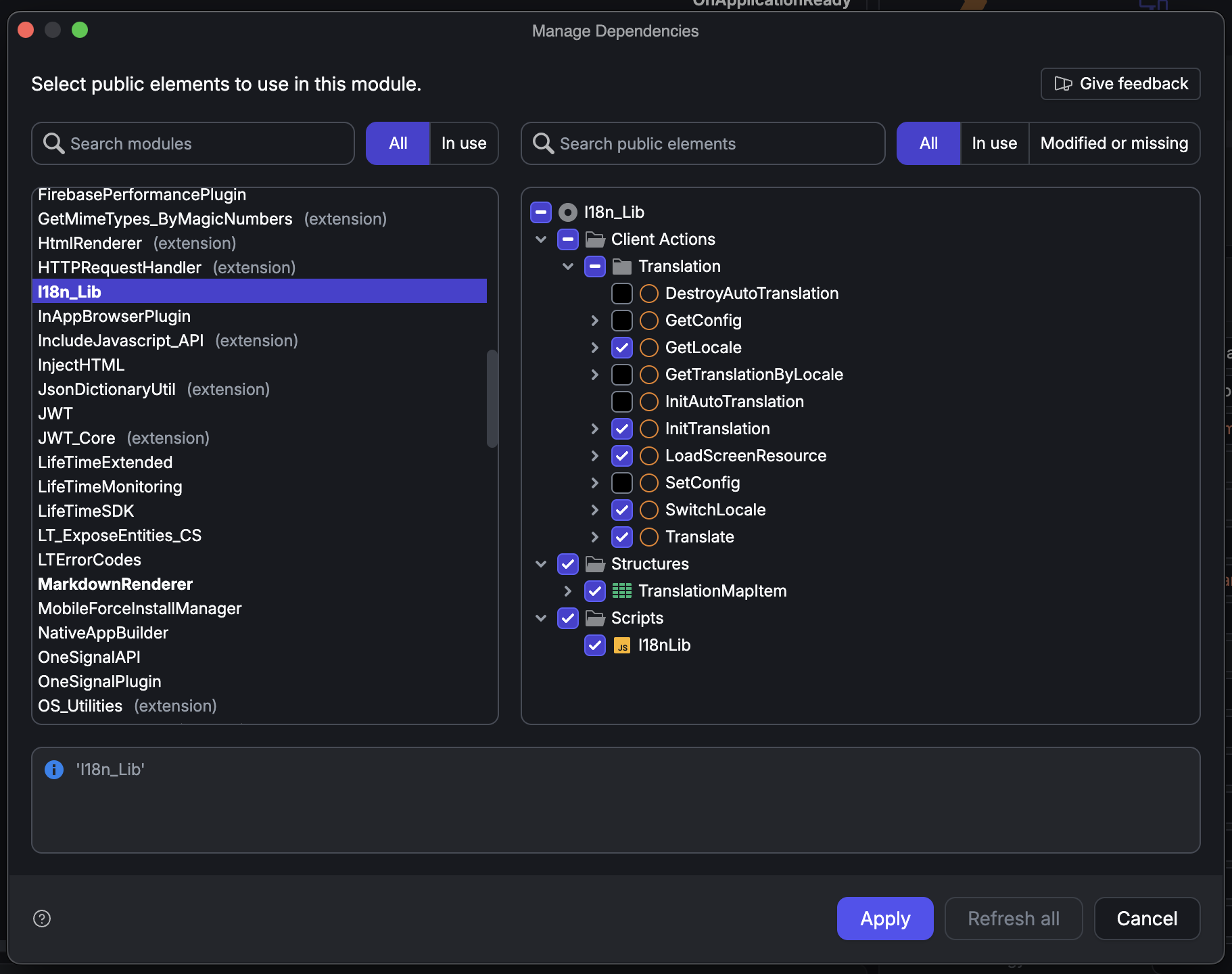
In your app module, open Manage Dependencies, select I18n_Lib, and check the public elements you'll use. Three actions are mandatory:
- InitTranslation — one-time setup at app start
- Translate — the expression that returns translated text
- SwitchLocale — changes the active language
You'll usually also take LoadScreenResource (lazy per-screen loading), GetLocale, the TranslationMapItem structure, and the I18nLib script.
4. Initialize on Application OnReady
Call InitTranslation once, in the application's OnApplicationReady. Point BasePath at your locales folder, list the locales you support, and map screens to their JSON folders with TranslationMap.
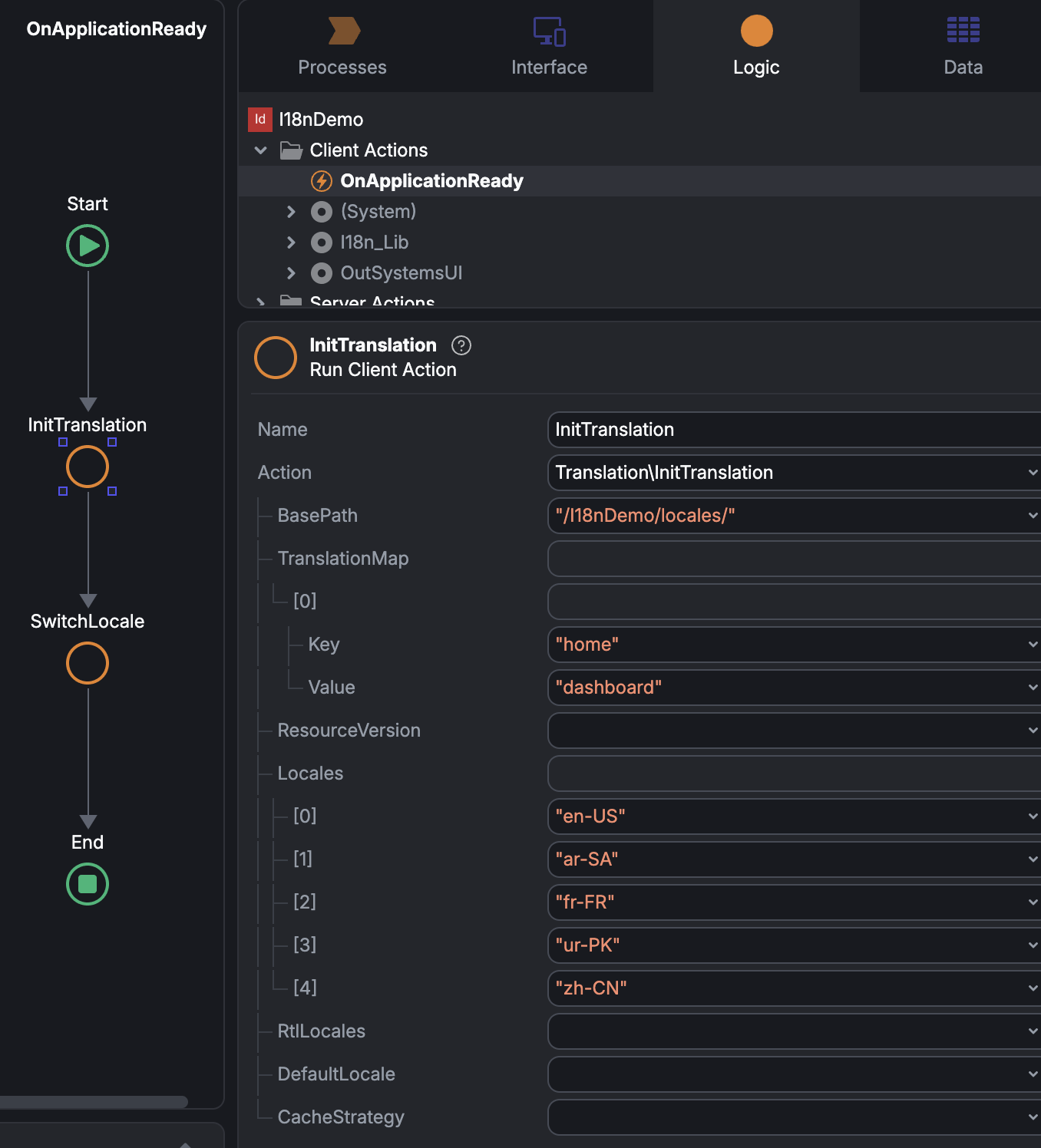
In the demo that's BasePath = "/I18nDemo/locales/", a TranslationMap entry of home → dashboard, and Locales of en-US, ar-SA, fr-FR, ur-PK, zh-CN. ResourceVersion is an optional cache-buster you bump on deploy; DefaultLocale and CacheStrategy fall back to sensible defaults.
The JSON sits under BasePath like this:
/I18nDemo/locales/
  default/        (loaded at app start)
    en-US.json
    ar-SA.json
  dashboard/      (loaded per screen)
    en-US.json
    ar-SA.json
Each file is flat or nested JSON, with %{opt1} placeholders for interpolation:
{ "welcome": "Welcome, %{opt1}", "notifications": "You have %{opt1} notifications." }
You only ship files for locales you actually translated — a missing fr-FR.json 404s silently and falls back.
5. Translate text with an expression
Anywhere you render text, use a Translate expression (set Function = Yes):
Translate("home.welcome", "Welcome", UserName)
Key, then a DefaultValue shown if the key is missing, then comma-separated Args that fill %{opt1}, %{opt2}, and so on. There is no revision variable and no ghost dependency to pass — the component re-renders these expressions when a screen's JSON finishes loading or the locale changes. On first paint you briefly see the DefaultValue, then it swaps to the translation.
6. Switch language with SwitchLocale
Wire a language button to a client action that calls SwitchLocale, passing the target locale as its input:
SwitchLocale(Locale: "ar-SA")
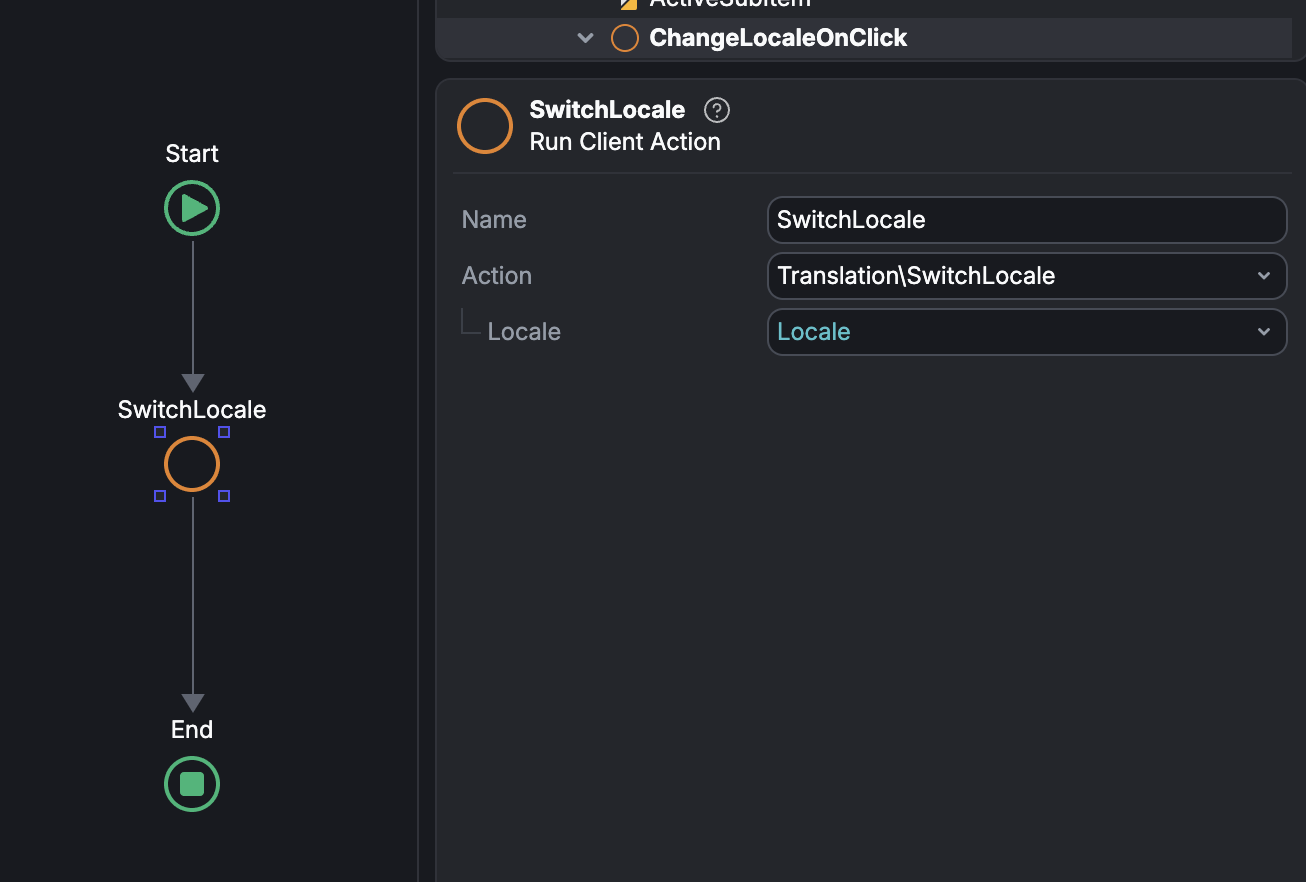
That one call sets the active locale, applies text direction, and re-renders the screen. Nothing else to do — no manual Assign, no direction toggling in your own JavaScript.
See it live
There's a running demo with en-US, ar-SA, ur-PK, fr-FR, and zh-CN:
https://developergeekay.outsystemscloud.com/I18nDemo/
English renders left-to-right:
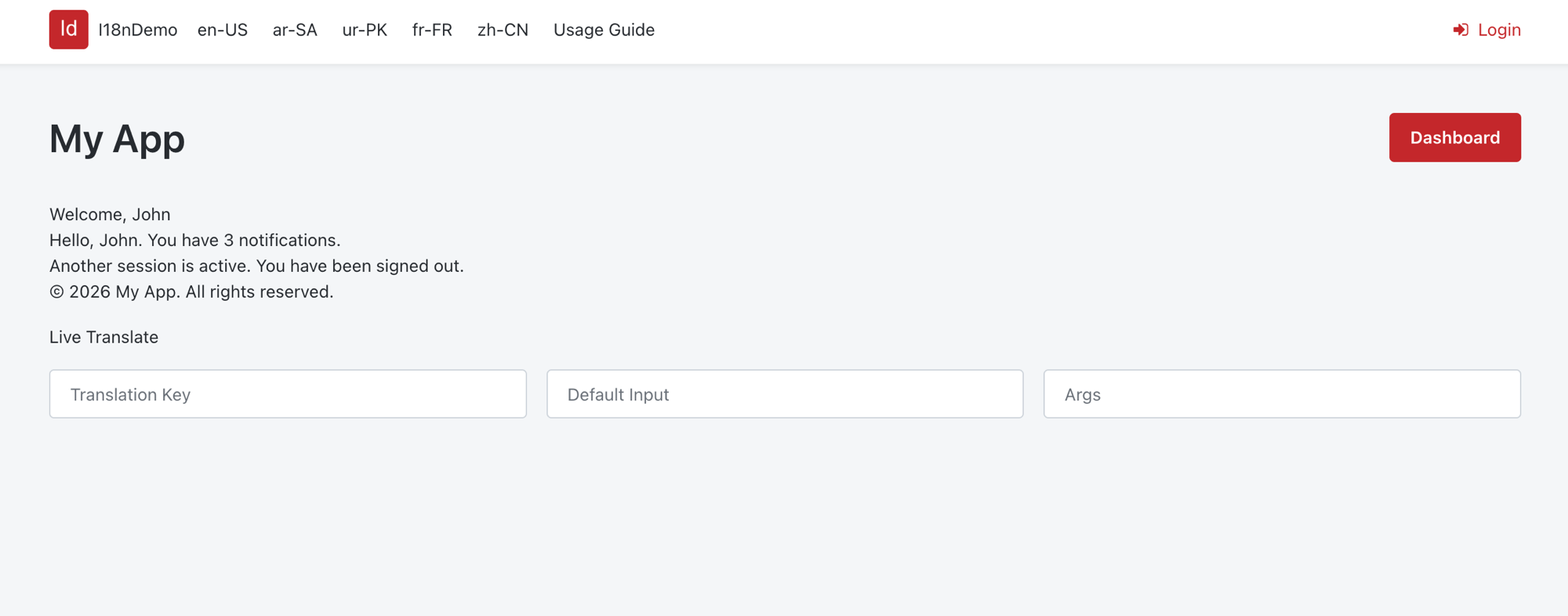
Switch to Arabic and the entire layout mirrors to right-to-left — navigation, buttons, and text:
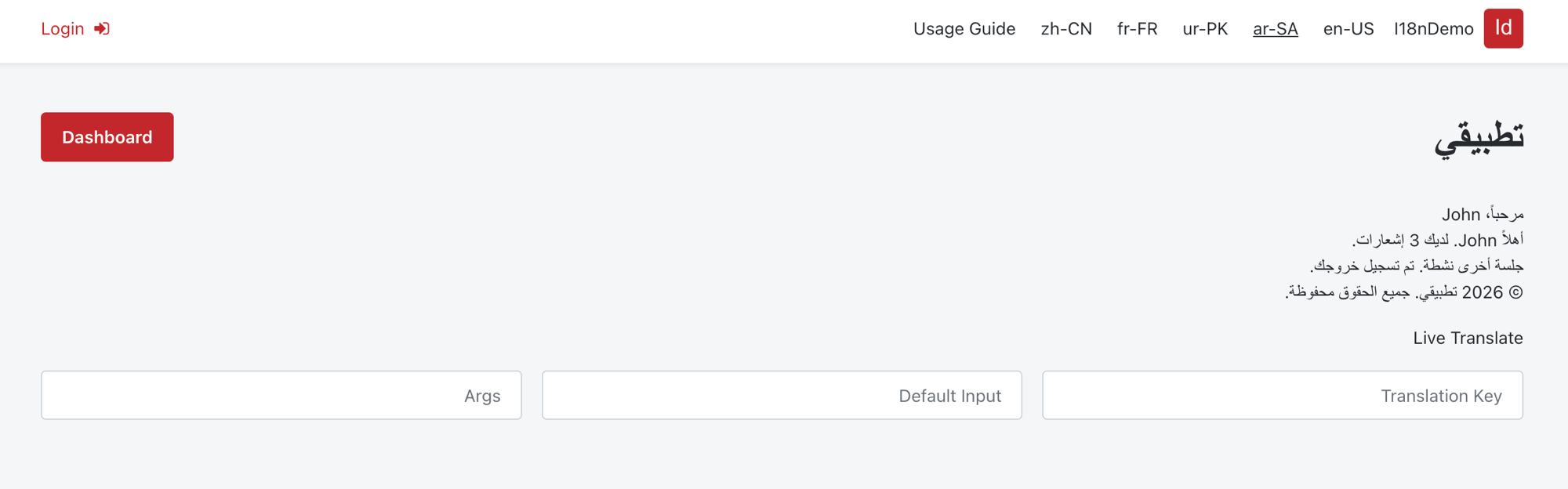
That's the full loop: install from Forge, reference three actions, init once, translate with an expression, switch with one call. After that, translations are just JSON files — add a language by adding a folder, no redeploy.